
MoveFrame AI Blog
Tutorials & practical guides
Photo & Video Face Swap Tutorials
Choose a guide for your footage and concept, with instructions grounded in the available workflow.
Step-by-step tutorial
Hotel Lobby AI Video
The orange-studio reference, footage preparation, and scene-by-scene creation steps.
Read guideStep-by-step tutorial
Chuttamalle AI Video Song
Prepare solo dance footage, assign portraits, review source audio, and export your personal edit.
Read guidePractical tutorial
AI Dance Video with Your Own Photo
Follow the MP4-and-portrait workflow from upload to export.
Read guidePractical tutorial
Choose Motion Transfer References
Check angles, lighting, blur, solo footage, and group shots.
Read guidePractical tutorial
Fix Face Distortion & Failed Tasks
Identify the failing stage and choose a targeted next step.
Read guideVideos
Face Swap a Music Video
Use the portrait library, preview canvas, and scene timeline to create your MV.
Read guideTrial & costs
Is AI Video Face Swap Free?
Understand the current 0-credit video trial, photo credits, and proposed per-second pricing.
Read guideCharacter guide
Charlie Kirk Face Swap
Explore the built-in reference and the workflow for this character.
Read guideBefore upload
Score the source photo
Check face size, sharpness, light, angle, occlusion, and crop before using credits.
Read guideAfter generation
Diagnose visible artifacts
Inspect eyes, mouth, hairline, jaw, skin transitions, and nearby objects in a repeatable order.
Read guidePrivacy and trust
Understand the photo workflow
Review upload handling, provider boundaries, retention claims, and precautions for sensitive images.
Read guideVideo reference
Marsha Blackburn AI Video
Watch the original post and follow the scene workflow.
Read guideExplore Video & Photo Guides
Find upload instructions, portrait preparation tips, video workflow help, and ways to review your results.

AI Dance Video Face Distortion & Motion Transfer Not Working: Fix Guide
Troubleshoot face distortion, occlusion, portrait assignment, failed uploads, stuck tasks, source audio, and downloads in an AI dance video workflow.
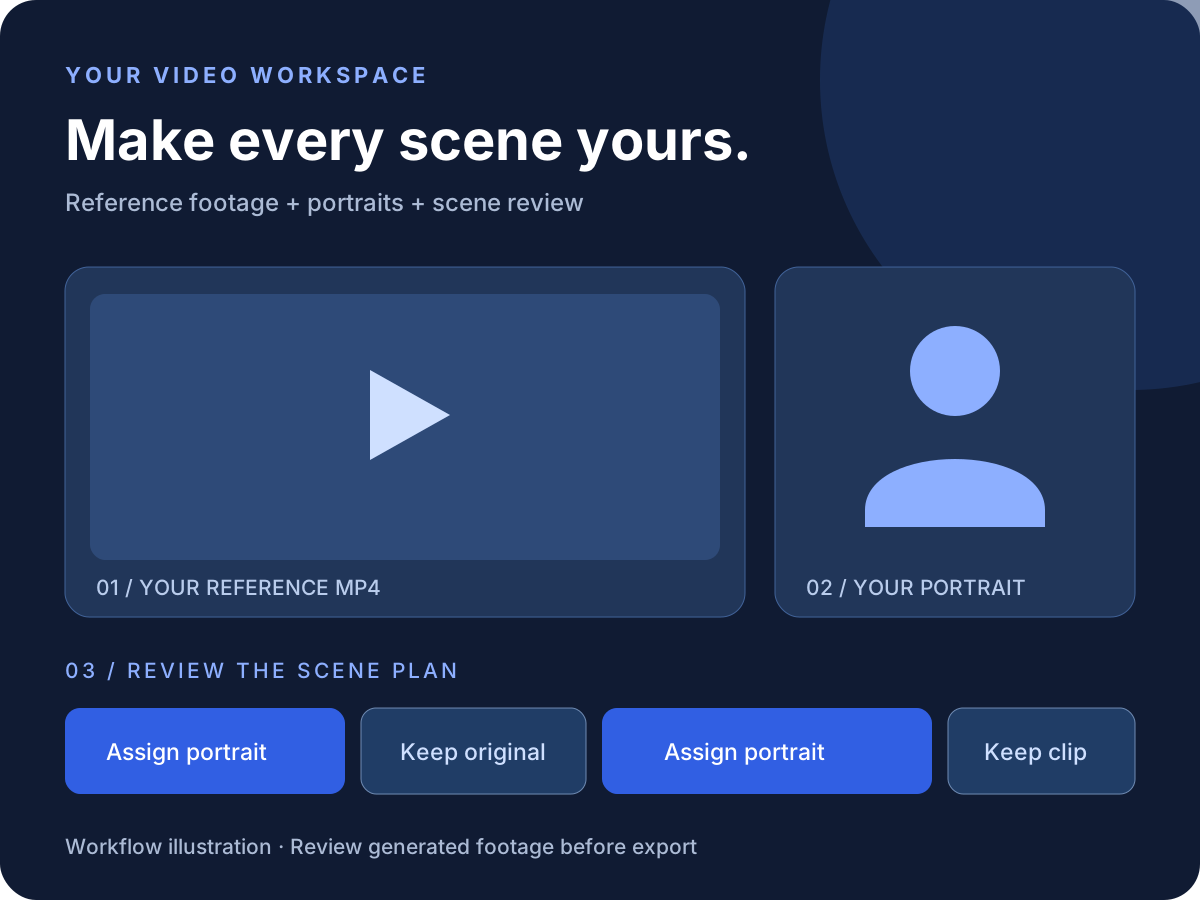
AI Motion Transfer Reference Video Guide: Footage, Photos & Group Shots
Choose an MP4 and portrait for AI motion transfer. Check face angle, lighting, motion blur, framing, solo footage, and what to do with two-person scenes.
Chuttamalle AI Video Song Tutorial: Make Your Own Dance Edit
Make a Chuttamalle-inspired dance edit from your own MP4 and portrait. Follow scene analysis, portrait assignments, audio review, segment retries, and export.
Hotel Lobby AI Video Tutorial: Make an Orange Studio Edit
Plan a Hotel Lobby-inspired orange-studio video with your own footage and portraits. Follow scene analysis, motion transfer, source audio review, and MP4 export.
How to Make an AI Dance Video with Your Own Photo and MP4
Turn your portrait and a reference dance MP4 into an AI dance video. Follow upload, scene assignments, preview, segment retries, source audio, and export.
Marsha Blackburn AI Video Tutorial: Make Your Own Stage Edit
Find the Marsha Blackburn AI video source, understand its Kendrick Lamar reference, and learn a practical workflow for making your own original dance edit.

AI Video Face Swap Free Trial: Costs, Limits & Workflow
Is AI video face swap free? Compare the current MoveFrame AI video trial, photo credits, file limits, and proposed per-second pricing before uploading your MP4.
How to Face Swap a Music Video with Your Own Photos
Upload a music video, assign portraits to its scenes, keep original clips, and download with source audio. Learn the MP4 workflow, trial pricing, and review steps.

How to Swap a Face in Another Photo: Step-by-Step Guide
Learn how to swap a face in another photo using a target picture and your own portrait. Follow the upload steps, check credits, review errors, and download.
Jensen Huang Dancing Video: Make Your Own AI World Tour
Inspired by the Jensen Huang AI world tour video? Upload an MP4, choose a portrait for each scene, keep original clips, and create your own AI dance video.

How to Label a Charlie Kirk Face Swap Before You Share It
Use a practical caption and context checklist for a Charlie Kirk face swap so viewers can recognize an AI-edited parody without mistaking it for a real event or endorsement.

How to Spot an AI Face Swap: A Verification Checklist
Learn how to evaluate a suspected AI face swap using source checks, visual artifacts, provenance, and context without trusting one clue or detector score.

Kirkified Meme Examples: Photo Patterns That Work and Fail
Compare Kirkified meme example types, including reaction images, portraits, group photos, screenshots, low-light selfies, and illustrations.

How to Make a Charlie Kirk Face PNG Cutout
Make a transparent Charlie Kirk face PNG from a reviewed parody edit, remove edge halos, preserve soft hair boundaries, and verify the alpha channel.
Charlie Kirk Small Face Meme: Tiny-Face Editing Guide
Learn what the Charlie Kirk small-face meme is, how the tiny-face effect differs from a normal face swap, and how to make a clearly labeled parody edit.

How to Make a Charlie Kirk Face Swap
Learn how to put the Charlie Kirk tiny-face style on a picture, choose a strong source photo, inspect the AI edit, and disclose parody clearly.
Best Face Swap Image Format: JPEG, PNG, WebP, and Compression
Choose the right face-swap input format, avoid repeated compression, preserve useful detail, and remove sensitive photo metadata when needed.

How to Fix Face Swap Artifacts: A Troubleshooting Guide
Diagnose face-swap problems around the eyes, hairline, jaw, mouth, skin, glasses, and background, then test the most likely input fix.
Face Swap Group Photos: Target Selection and Cropping
Learn when to crop a group photo, how to isolate the intended subject, and why overlapping or uneven faces produce unpredictable swaps.

Face Swap Photo Quality Scorecard: 100-Point Checklist
Use a 100-point face-swap photo checklist to score face size, pose, lighting, occlusion, and reference compatibility before spending credits.

What Happens to Your Photo During an AI Face Swap?
Follow the actual MoveFrame AI data path from browser upload through object storage, PiAPI processing, task records, output delivery, and deletion requests.