
Choose your face swap workflow
Photo Face Swap or AI Video Face Swap?
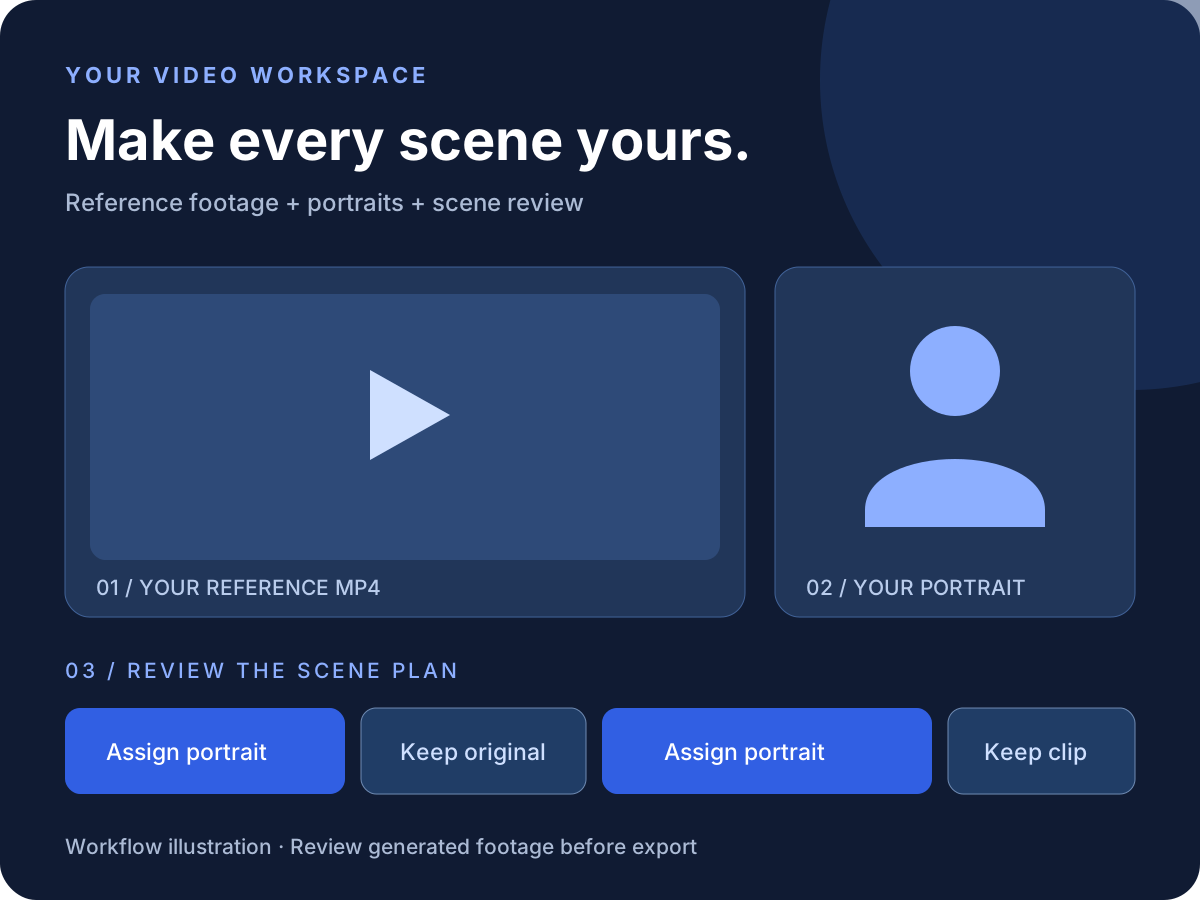
Use the photo editor for still images. For dance, performance, or music videos, use an MP4 and portrait assignments per scene.
Photo face swap online
Upload the target photo, choose a face reference, check the credit notice, and inspect the generated image.
Video face swap with an MP4
Upload performance footage, assign portraits to scenes, keep selected clips, and download the assembled video with source audio.
Review what changes
Video uses character motion transfer and may change clothing, body details, and backgrounds as well as appearance. Review moving frames.
Photo editing tool
Photo Face Swap Workspace
Need a still image? Upload a target photo and choose your portrait or the built-in reference. Use the video workspace above for moving footage.
Photo face swap workspace
One target photo and one face reference
JPG, PNG or WEBP, up to 8MB
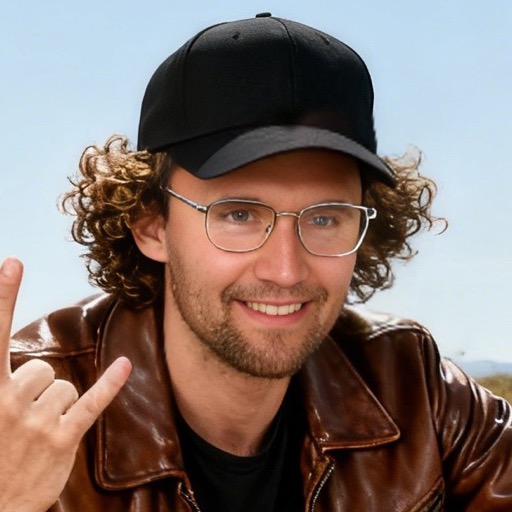
Your Face Reference (Optional)
The built-in Charlie Kirk reference is selected. Upload your own portrait to change it.
Generate and review
Check the preview before downloading or sharing.
Your Result
Review the generated image, download it if needed, and add context if you plan to share it publicly.
Preparing your request...
Drop your photo here to start the transformation
How it works
How AI Video Face Swap Works
Use footage for movement and framing, portraits for appearance, and scene controls to choose what changes.
Upload and analyze
Upload a standard MP4 and wait for scene analysis. Review the original footage for each segment.
Assign portraits or keep clips
Choose portraits for generated scenes. Keep scenery, titles, or difficult group shots unchanged.
Generate and review
Submit once, review individual segments, regenerate a scene if needed, and download the MP4 with source audio.
Find your next idea
Dance & Music Video Face Swap Tutorials
Explore creative references and instructions, then bring your own footage to the workspace. External reference videos are not guaranteed results.
Hotel Lobby AI Video Tutorial
Orange-studio performance ideas, the official reference, and an MP4 workflow.
Follow the tutorialChuttamalle AI Video Song Tutorial
Understand the song reference and create a personal edit from solo dance footage.
Follow the tutorialAI World Tour
Plan entrances, performances, and cuts with a portrait for each generated scene.
Explore the guideMusic Video Motion Transfer
A practical guide to uploads, scene assignments, source audio, and final review.
Explore the guideMarsha Blackburn AI Video
Original post, stage-style concept, and a step-by-step creation tutorial.
Watch & learnPrepare your inputs
Three Checks Before Your First Render
Choose readable performance footage and judge consistency across moving frames.
Start with solo footage
Precise selection within group shots is unsupported. Put different performers in separate solo segments.
Use a clear portrait
Match the performance angle and lighting where possible. Avoid severe blur or an obstructed face.
Inspect movement and edges
Motion transfer can alter clothing, bodies, and backgrounds. Review turns, occlusions, and scene boundaries.
Make it step by step
AI Face Swap Tutorials & Video Ideas
Learn photo face swap, music video scene assignments, dance edits, and result troubleshooting.

AI Dance Video Face Distortion & Motion Transfer Not Working: Fix Guide
Troubleshoot face distortion, occlusion, portrait assignment, failed uploads, stuck tasks, source audio, and downloads in an AI dance video workflow.
AI Motion Transfer Reference Video Guide: Footage, Photos & Group Shots
Choose an MP4 and portrait for AI motion transfer. Check face angle, lighting, motion blur, framing, solo footage, and what to do with two-person scenes.
Chuttamalle AI Video Song Tutorial: Make Your Own Dance Edit
Make a Chuttamalle-inspired dance edit from your own MP4 and portrait. Follow scene analysis, portrait assignments, audio review, segment retries, and export.
Hotel Lobby AI Video Tutorial: Make an Orange Studio Edit
Plan a Hotel Lobby-inspired orange-studio video with your own footage and portraits. Follow scene analysis, motion transfer, source audio review, and MP4 export.
How to Make an AI Dance Video with Your Own Photo and MP4
Turn your portrait and a reference dance MP4 into an AI dance video. Follow upload, scene assignments, preview, segment retries, source audio, and export.
How to Face Swap a Music Video with Your Own Photos
Upload a music video, assign portraits to its scenes, keep original clips, and download with source audio. Learn the MP4 workflow, trial pricing, and review steps.
Questions, answered
AI Face Swap FAQ
Photo and video workflows, reference inputs, audio, and result review.
Start Your AI Face Swap
Choose a photo for a still edit, or bring your MP4 and portraits for a video face swap project.